


Your Laptop Is the Office: Cybersecurity Is Now Part of Nomad Infrastructure
September 29, 2026
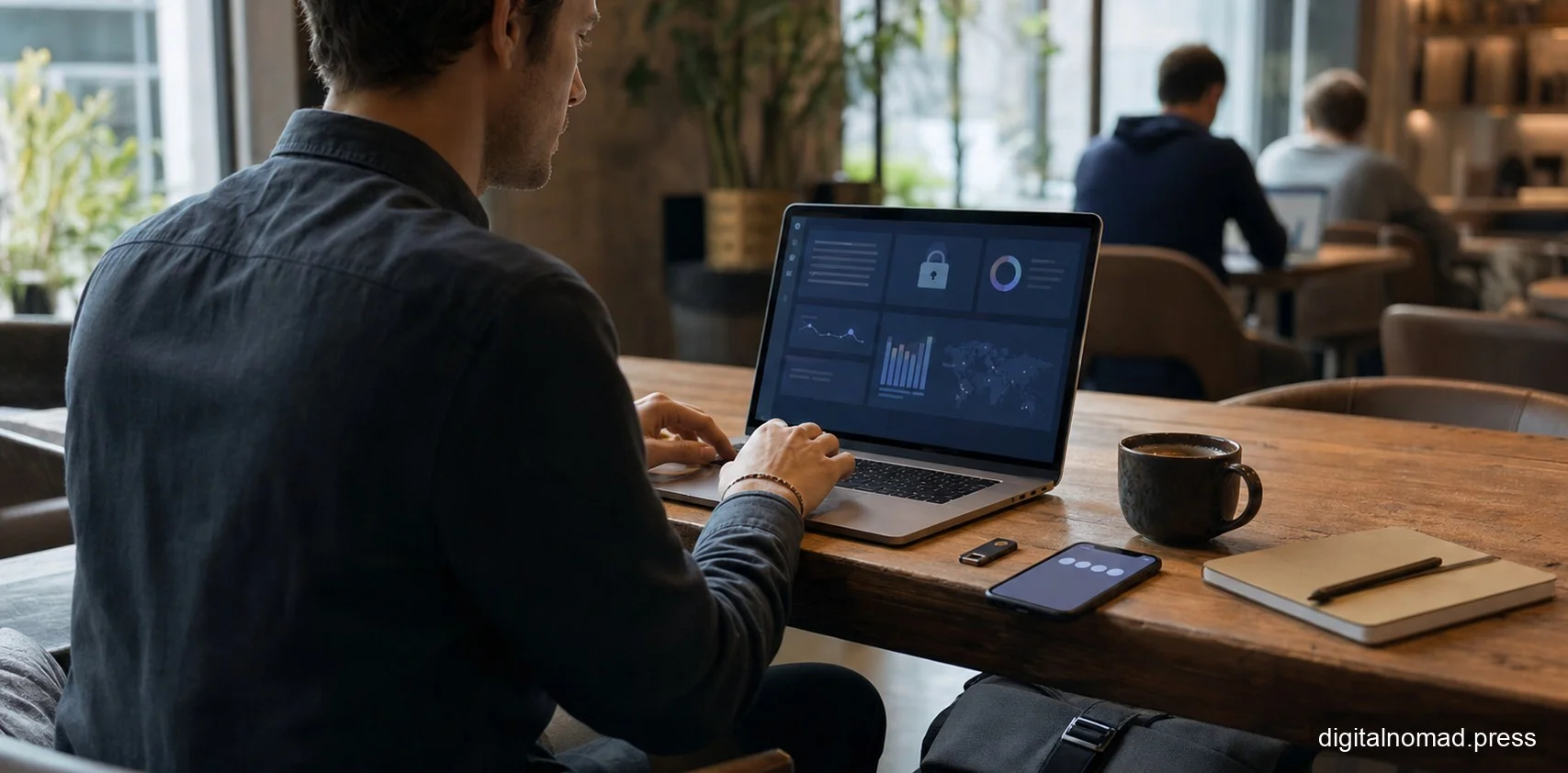
AI Generated - Editorial Use
For digital nomads, the laptop, phone, cloud accounts, and network environment are the office. As work moves through cafes, coworking spaces, and cross-border access, cybersecurity becomes personal infrastructure tied to trust, income, and career safety.
For a decade, most conversations about remote work have focused on productivity, time zones, and lifestyle. The topic that gets glossed over is security. When an engineer moves from an apartment in Taipei to a coworking space in Chiang Mai and then to a cafe in Lisbon, the laptop on her shoulder is effectively a miniature version of her employer. Client data, source code, financial credentials, signing keys, and identity tokens all live inside it. What used to sit behind a corporate firewall and a badge reader now travels through airport security in a 1.4 kilogram aluminum shell and connects to whichever open Wi-Fi is available.
This is not paranoia. A 2025 study on the VPN security landscape published on ScienceDirect noted that as remote work expanded between 2020 and 2022, attacks targeting VPN services themselves rose sharply. Tools that were supposed to be the solution became the entry point. The structural shift is clear: security is no longer something a corporate IT team can own on its own. It rides along in the nomad's backpack and has quietly become part of personal infrastructure.
Why "That Is IT's Problem" No Longer Holds
Inside a traditional office, an employee's security responsibility mostly ends at "do not click strange links." Everything else is handled by the company. The network belongs to the company, the machine is issued by the company, backups are run by IT, and certificates are managed by the security team. The nomad situation inverts that model completely.
When the workplace changes from an office to a cafe, a coworking space, a short-term rental, or a hotel lobby, the network trust model collapses instantly. The user cannot verify who actually operates the equipment behind a given SSID, cannot confirm whether the upstream ISP is inspecting traffic, and cannot know whether the coworking router has already been compromised. The phrase "corporate IT will handle it" becomes hollow, because corporate IT has no visibility into these segments.
Identity is even more critical. In a remote environment, the company can no longer rely on IP addresses, physical location, or device ownership to answer the simple question of whether a given login is really the employee. The entire defensive perimeter now compresses onto accounts, passwords, multi-factor prompts, and device certificates. If the nomad does not take those layers seriously, no amount of policy at headquarters can compensate.
The Real Risk of Public Wi-Fi Is Duller and More Dangerous Than People Think
Public Wi-Fi debates tend to swing between two extremes. One camp insists that HTTPS is enough and there is nothing to worry about. The other insists that connecting to public networks is essentially handing over your data. Neither position holds up in practice.
Modern websites almost universally use TLS, so the era of sniffing plaintext packets is largely over. That does not mean public networks are safe. The real risks are less dramatic. DNS hijacking can redirect users to convincing fake login pages. Certificate injection at the router layer can make phishing pages look authentic. Captive portals routinely nudge users into disabling protection. And any compromised device on a coworking network can scan its neighbors for exposed services.
The reasonable posture is not "never use public Wi-Fi." It is "assume every public network is hostile." That means running sensitive operations, such as banking, tax portals, and admin consoles, over a phone hotspot rather than the cafe network. It means keeping the local firewall on and blocking inbound connections. It means turning off broadcast sharing and AirDrop on shared segments. And it means never doing a first-time login to a critical service on an unfamiliar network.
VPN Is Not a Silver Bullet, Just an Encrypted Tunnel
Many nomads treat their VPN subscription as the core of their security posture. That is an oversimplification. A VPN provides an encrypted tunnel from your device to the VPN server. It does not make your accounts harder to steal, does not stop phishing, and does not prevent malware from being installed on your machine.
The ScienceDirect study cited above also raised another concern. VPN services have themselves become attack targets. Enterprise VPN gateways have shipped critical zero-day vulnerabilities, and consumer VPN vendors have leaked user data. Trusting a VPN provider is essentially outsourcing trust for all of your traffic to a company whose operations, jurisdiction, and logging policies may not be transparent.
The pragmatic view is that a corporate VPN is a compliance requirement for reaching internal systems, and a commercial VPN is a tool for bypassing geographic restrictions or adding a modest layer on hostile networks. Neither should be treated as a magic shield. Identity and the device itself carry far more of the load.
MFA: From Doing It to Doing It Right
Almost every remote work security guide mentions multi-factor authentication. The problem is that many people implement the weakest possible version and then check the box.
Consider SMS-based codes. They are the most common form of MFA and also the most easily bypassed. SIM swap attacks have become almost industrialized in some markets. Once an attacker takes over a phone number, SMS MFA is finished. Nomads change eSIMs, roam across networks, and pick up local numbers far more often than average users, so the risk that a home country number is suspended, ported, or fraudulently transferred is elevated.
A more defensible layering looks like this. Use a physical security key such as a YubiKey, or a platform passkey, as the primary MFA. Use an authenticator app as backup. Reserve SMS only for accounts that offer nothing else. Disable SMS completely on the accounts that matter most: primary email, corporate SSO, banking, and the password manager itself. Store backup codes offline, not in a cloud note on the same laptop.
The Device Itself: Encryption, Loss, Theft, and Border Checks
The physical risk to a nomad's device is dramatically higher than in an office. Hotel rooms, rideshares, airport lounges, and coworking lockers are all high-loss environments. Once a device leaves your line of sight, the threat model must assume it could fall into someone else's hands.
Three things are non-negotiable. Full disk encryption, using FileVault, BitLocker, or LUKS, must be on so that a powered-down machine is meaningfully protected. Login and system passwords should not be identical, so that a single shoulder-surfed credential does not unlock everything. Idle auto-lock should be measured in minutes, not hours. Beyond that, remote wipe capabilities through Find My, Intune, or an MDM must be tested before departure, not discovered to be disabled the day the laptop disappears.
Border inspections are another frequently overlooked scenario. Customs authorities in some countries have the power to compel device unlocks. For nomads carrying sensitive client data, the practical response is to sign out of sensitive accounts before entering, clear active browser sessions, push non-essential files to the cloud rather than keeping them local, and consider a separate clean travel device for higher-risk routes. This is not paranoia. It is baseline respect for client data.
Cloud and Identity Are the Real Attack Surface
Once most work runs on SaaS, attackers stopped aiming at the laptop's hard drive years ago. They aim at cloud accounts. Email, Google Drive, Notion, GitHub, Figma, Stripe, corporate SSO. The value of taking over these accounts vastly exceeds the value of a stolen physical laptop.
The mental model a nomad needs is that accounts are assets, and they are mobile assets. Several things follow. The primary account, typically email, must be the most heavily protected identity in the entire system. A password manager is no longer optional. It is the minimum floor, and never reusing passwords is the minimum bar. Login notifications should be on for every important service. Active sessions and OAuth grants should be reviewed regularly, with unused third-party integrations revoked. Corporate and personal accounts must remain strictly separated. Do not tie a personal Gmail to a client project, and do not sign in to personal services with the company SSO.
Backups follow the same logic. The primary inbox needs a recovery email and offline recovery codes. The password manager should have an emergency contact or inheritance mechanism. If the corporate SSO account is disabled, the individual should not simultaneously lose access to every work-related file. These designs feel invisible in normal times. In the first hour after a device loss or account compromise, they determine how bad the damage becomes.
Client Data: The Contract Says More Than You Think
Freelance nomads often overlook that client contracts frequently include explicit data handling requirements. GDPR, HIPAA, financial services regulations, and enterprise vendor security assessments all specify data storage locations, encryption standards, access controls, and incident notification timelines. These clauses do not quietly stop applying just because the vendor is a single freelancer working from a beach town.
A practical response is to treat client data handling as its own workspace. Dedicated encrypted folders, separate password manager vaults, dedicated cloud directories with verified server regions that match the contract, and defined destruction procedures at the end of an engagement. It sounds like enterprise overhead, but as nomads move upmarket toward larger clients, these obligations start showing up directly in contracts. Ignoring them is not carelessness. It is breach.
Building a Personal Security Baseline Beats Chasing Perfection
The most common failure mode in security is doing nothing because doing everything feels impossible. A more useful stance for nomads is to build a baseline that can be executed daily and then extend it over time.
A workable baseline looks something like this. Every device runs full disk encryption, has short idle auto-lock, and keeps operating systems and browsers on automatic updates. Primary accounts use hardware key or passkey MFA. A password manager covers every service, and backup codes are stored offline. Work and personal accounts are separated. Sensitive operations happen off untrusted Wi-Fi. Cloud authorizations and active sessions are reviewed on a regular cadence. Devices are physically verified before leaving a coworking space or hotel room. The list is not long, but a nomad who actually executes it consistently is already ahead of the majority of independent workers in the market.
On top of that baseline sit conditional defenses. Dedicated devices for sensitive projects. Data cleanup before entering jurisdictions with more aggressive border inspection. Professional liability insurance for financial or medical clients. This is layered thinking, not an all-or-nothing posture.
Security Is the Invisible Resume of a Nomad Career
For a mature nomad, security is not a burden. It is a part of the professional profile. A worker who can walk into a contract negotiation and articulate exactly how client data is handled, describe the encryption and backup posture in concrete terms, and commit to a specific incident notification window is bringing leverage to the table. Conversely, a nomad who stores client files on a shared computer, reuses a single password across every service, and connects to admin consoles from open hotel lobby Wi-Fi is one incident away from erasing years of reputation.
The laptop is the nomad's office and also the nomad's business card. Offices are locked, backed up, and have visitor policies. That is common sense in a city. It does not become less important once the office fits under an airline seat. It only becomes harder to enforce. Recognizing that is the first step toward growing up as a nomad.
This content is protected by copyright. Please respect the author's work and do not copy or distribute without permission.

數位遊牧編輯群 Digital Nomad Editor Group
Digital Nomad is a knowledge sharing platform specially designed for “those who dream to become digital nomads.” We share the latest news and industry trends related to digital nomadism, as well as introduce essential skills and knowledge needed for freelancers, remote workers, etc. Our goal is to help you connect with fellow digital nomads!
